Drag From Anywhere
Hold ⌃⌘ and drag anywhere inside a window to move it. No hunting for the title bar, even when it’s crowded with tabs or parked off-screen.
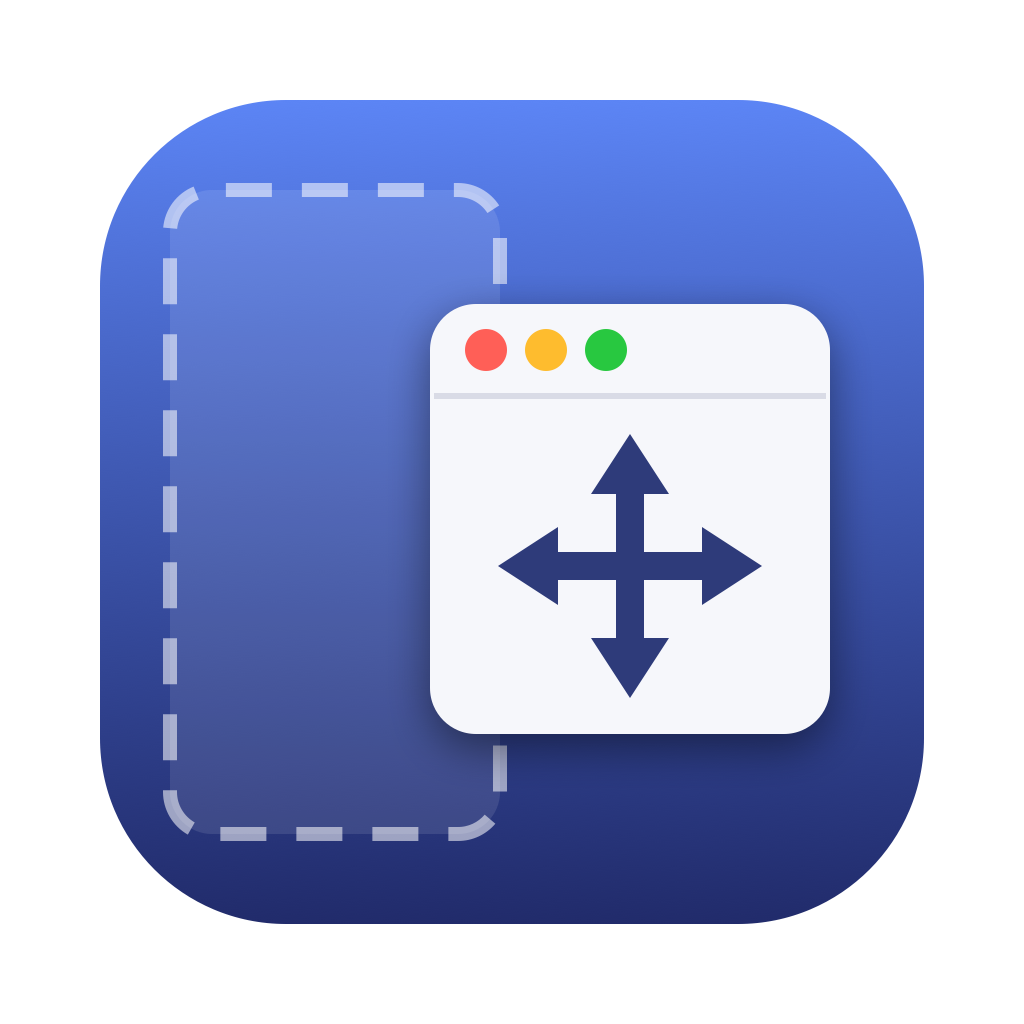
Move and resize any Mac window from anywhere on it, with native tiling intact.
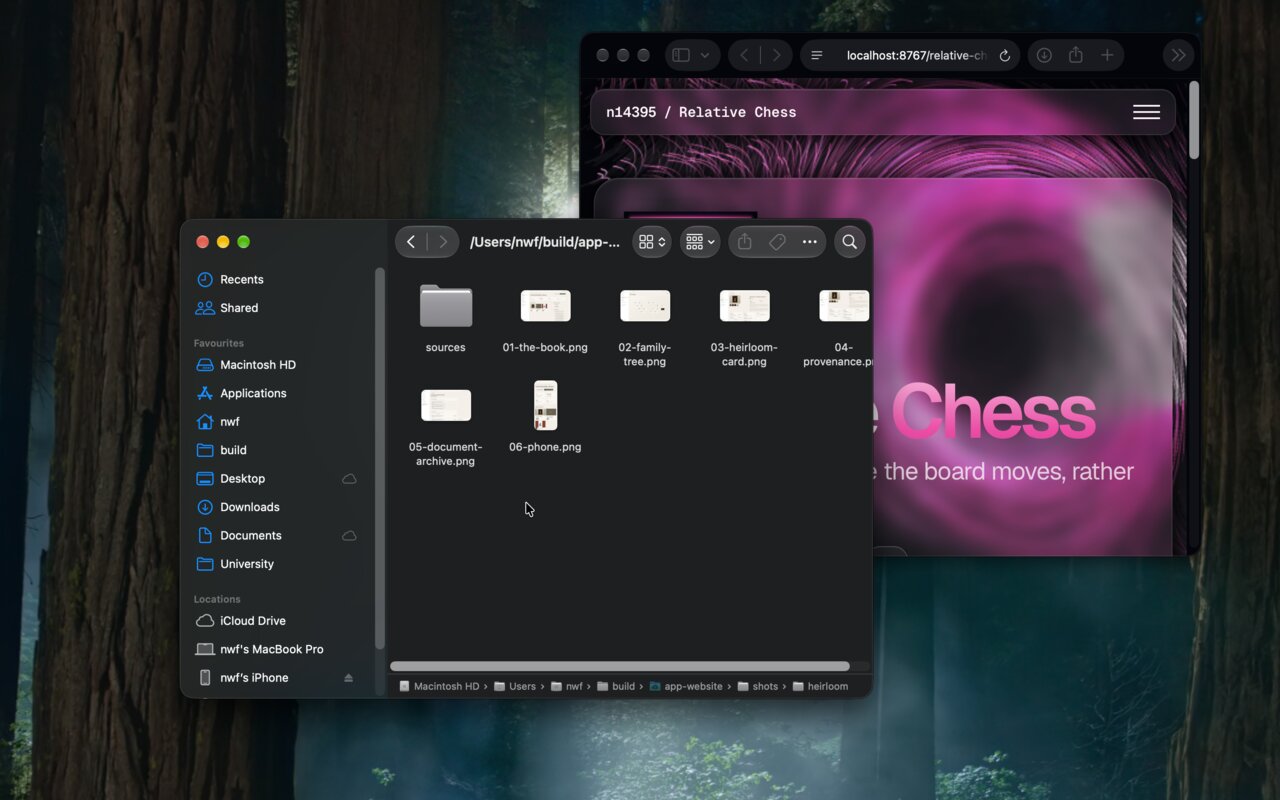
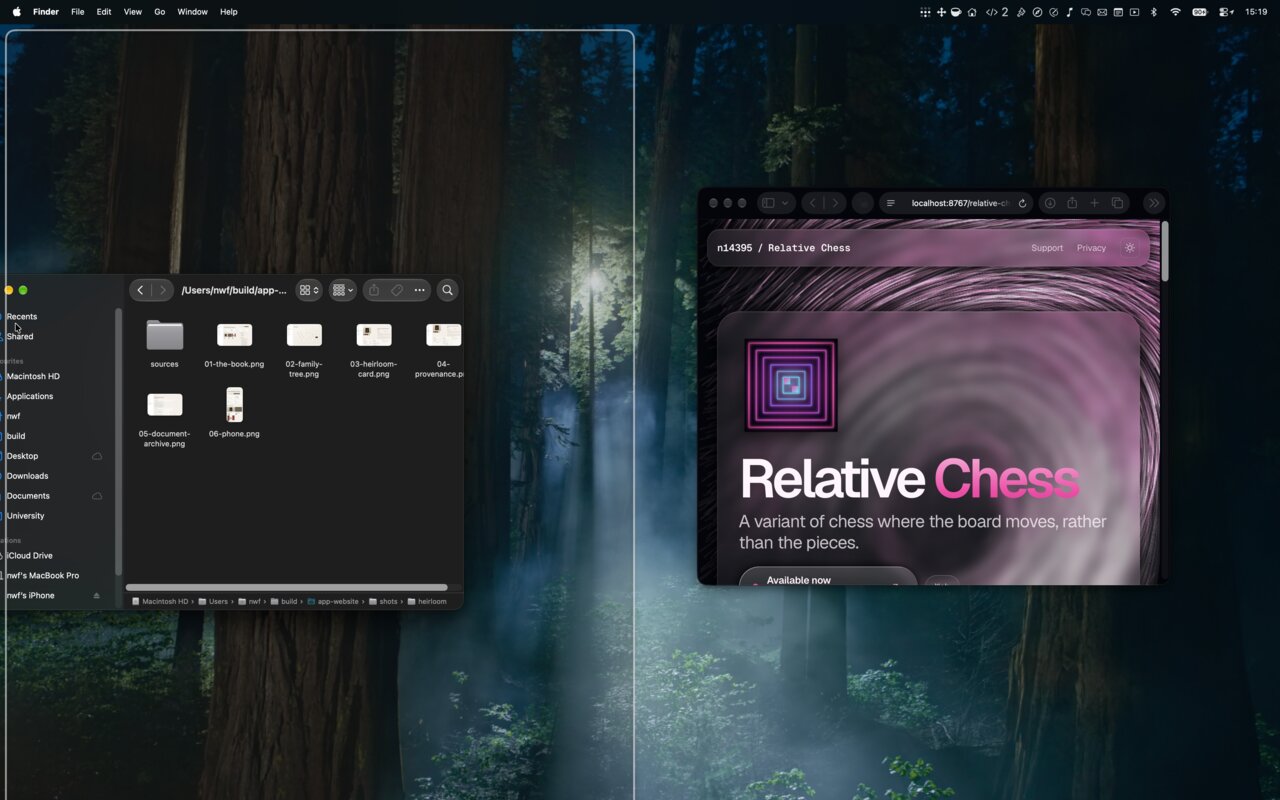
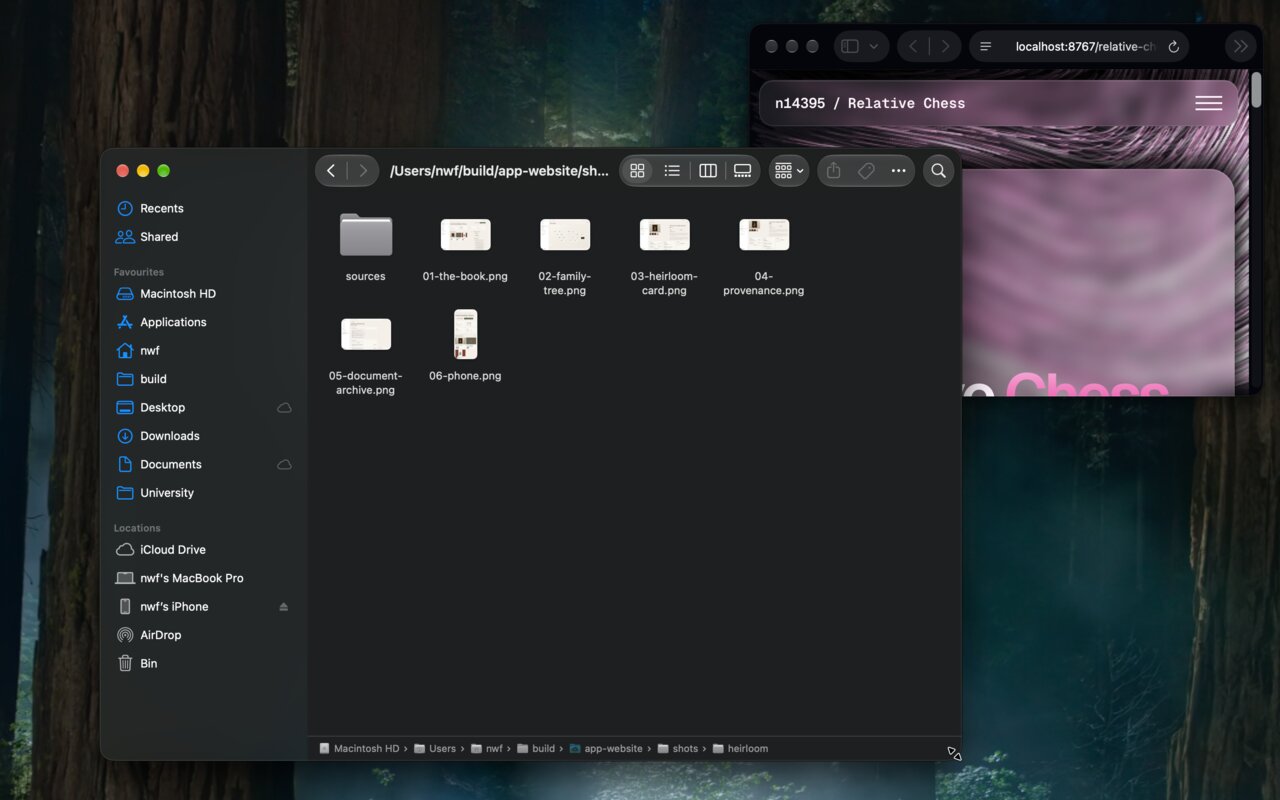
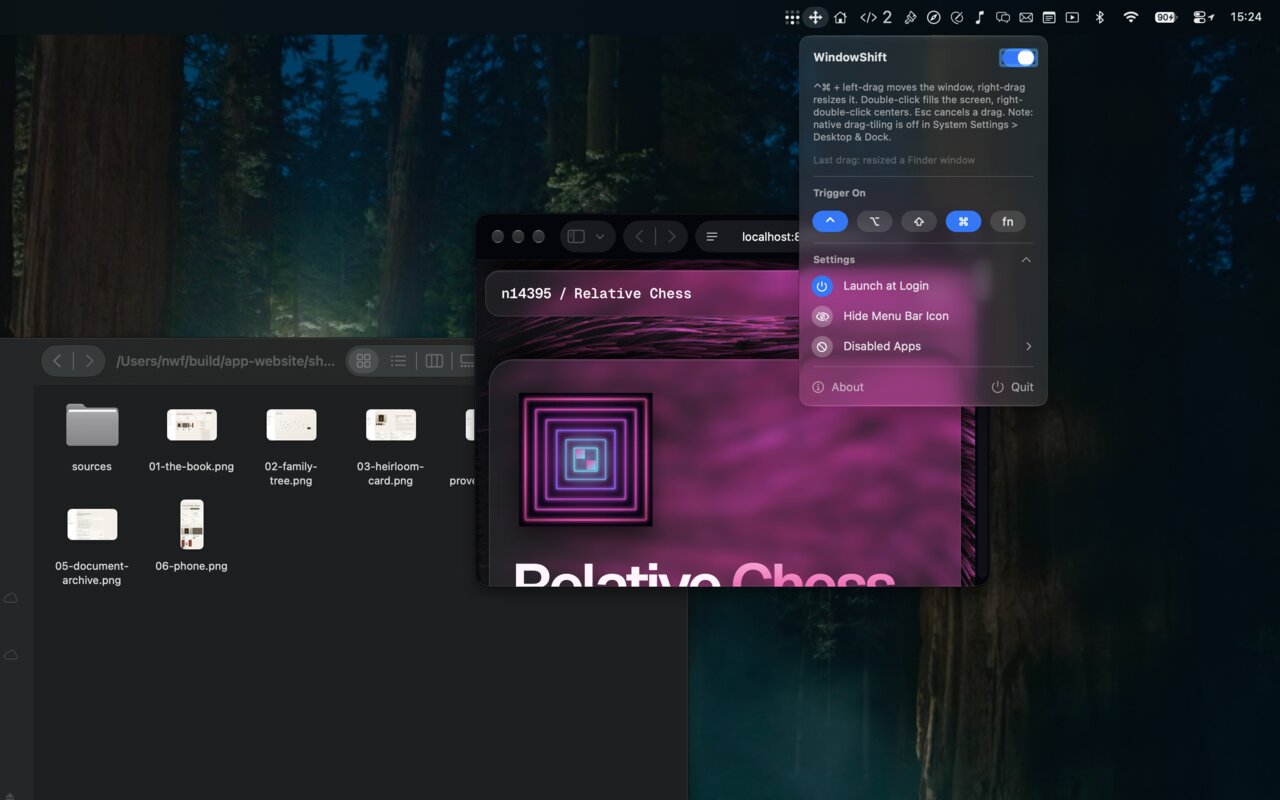
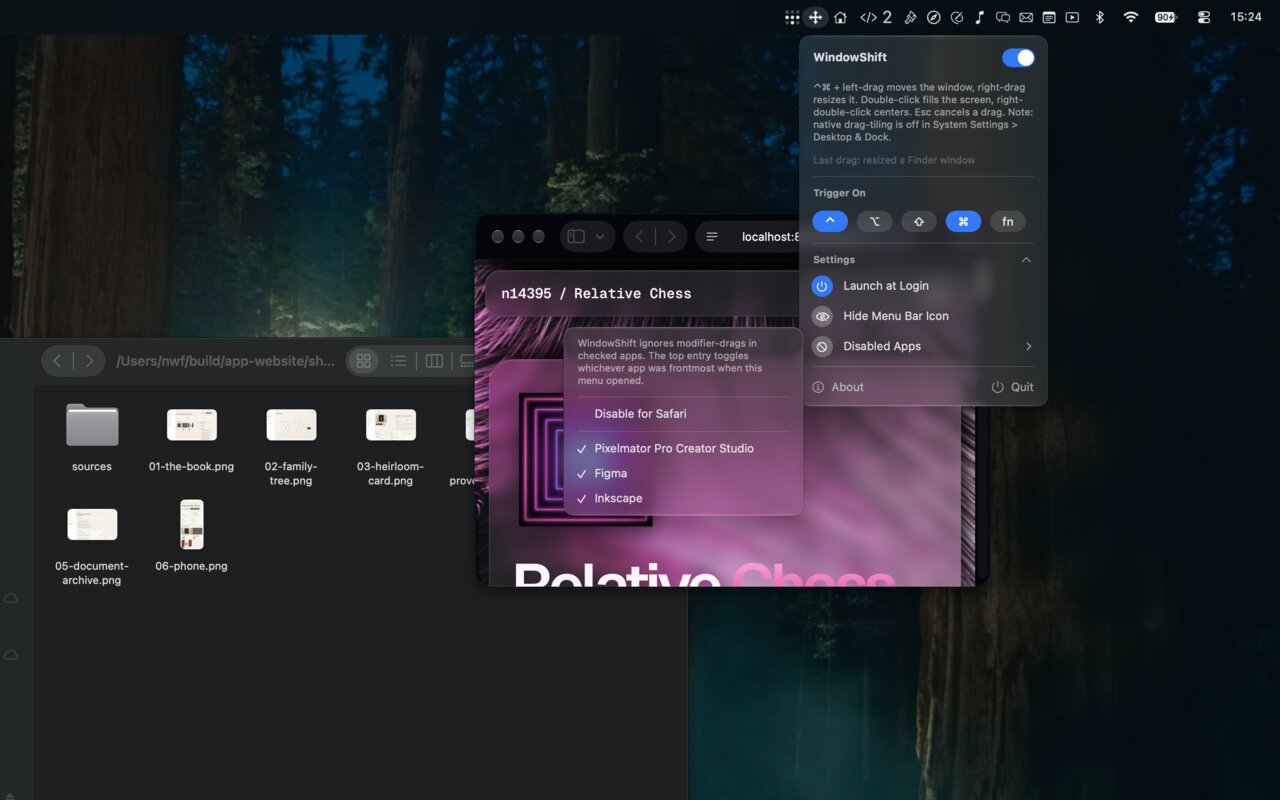
Hold ⌃⌘ and drag anywhere inside a window to move it. No hunting for the title bar, even when it’s crowded with tabs or parked off-screen.
⌃⌘ + right-drag resizes from the corner nearest your click, falling back to the nearest reachable one if that corner is hidden.
Asks the window server for a real drag session, so everything that hooks into real drags still fires: Sequoia tiling, Mission Control drops, Spaces edge-switching.
Verified with Magnet; Rectangle, BetterTouchTool and Loop use the same mechanism. Let go holding ⌥ alone and macOS tiles instead.
Press Esc mid-drag and the window returns to its original frame, undoing a snap or tile that had already committed.
⌃⌘ + double-left-click fills the screen, again to restore. ⌃⌘ + double-right-click centres the window, size unchanged.
Opt-in window-to-window snapping pulls edges into abutment or alignment with neighbouring windows as you drag.
A menu bar app with a live “Last drag” explanation, per-app exclusions, launch at login and a hideable icon. Native drag speed, and the cursor never warps.
No network access, ever. Nothing is captured, recorded or kept.
Accessibility lets it watch the mouse. Screen Recording is requested only because that is the grant macOS checks before one app may drive another’s windows; it never reads a pixel. Settings live in a local preferences file.