46 Actions
Spaces, window tiling, media, capture, power and system, plus shell commands, AppleScript, Shortcuts, keystrokes, apps and URLs. macOS gives you about ten.
Hot corners for macOS, without the limits. Every corner, any modifier, 46 actions.
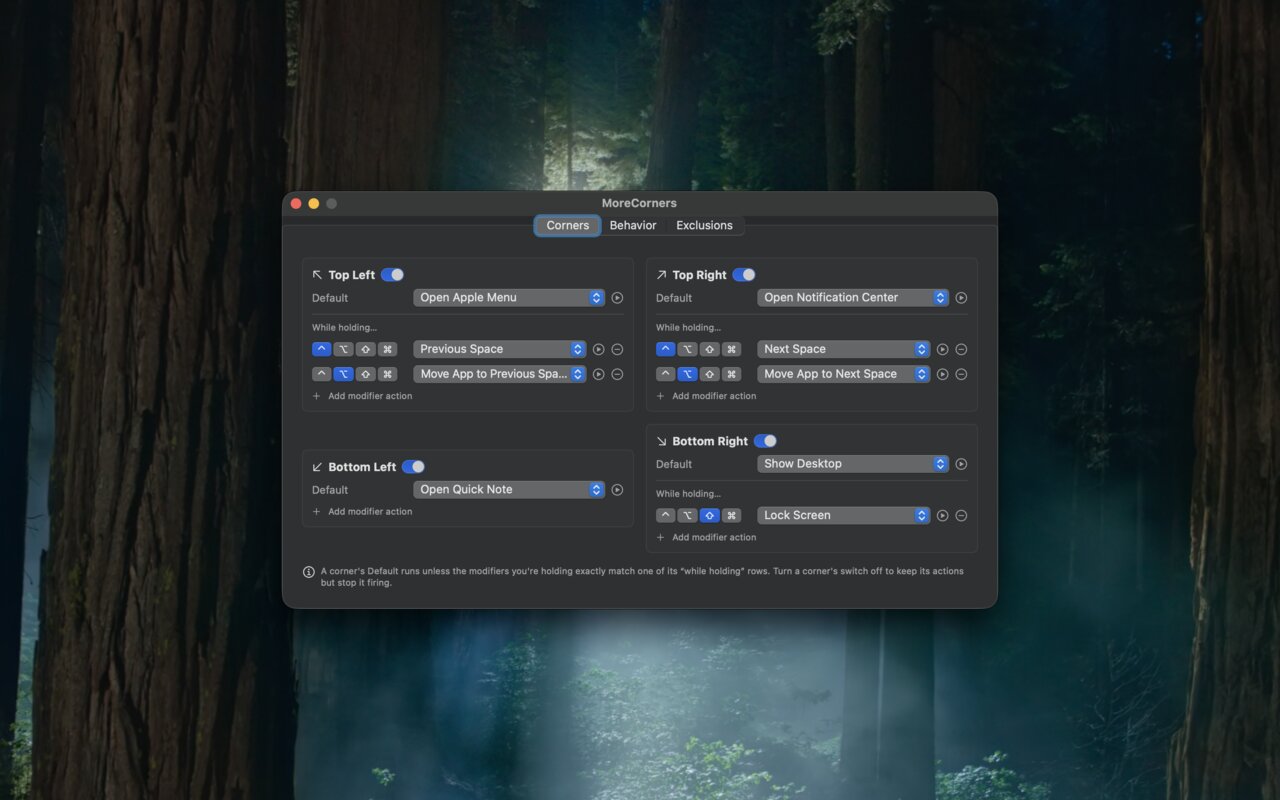
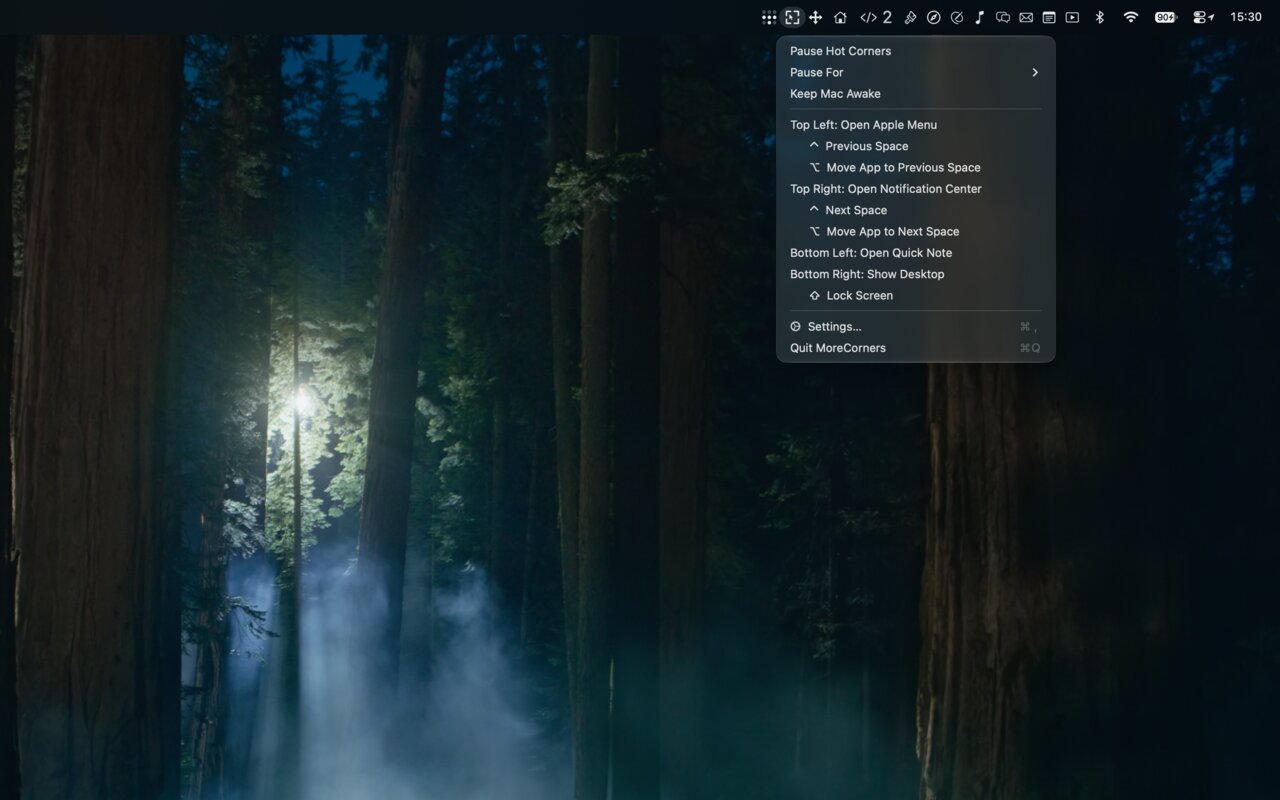
Spaces, window tiling, media, capture, power and system, plus shell commands, AppleScript, Shortcuts, keystrokes, apps and URLs. macOS gives you about ten.
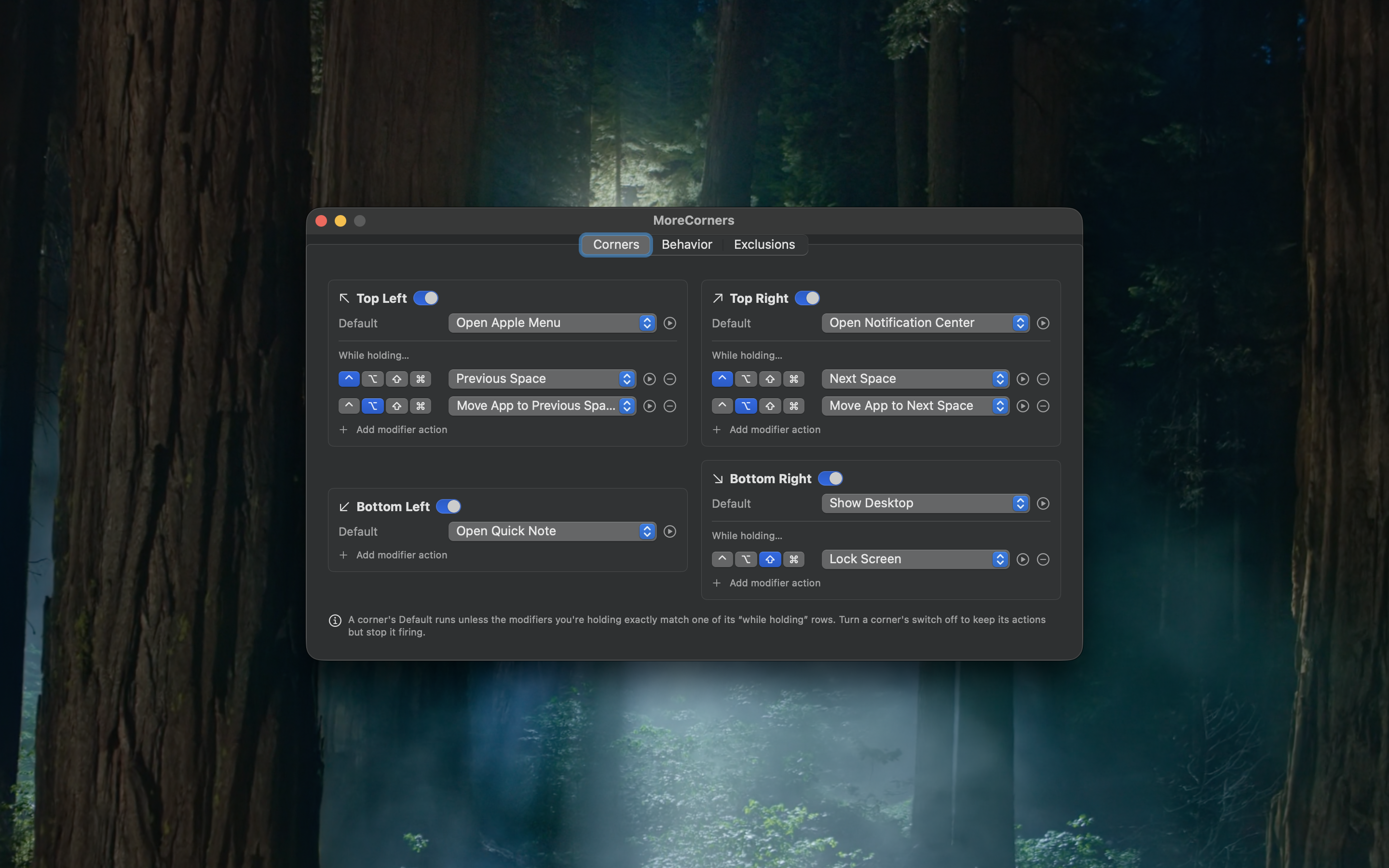
Each corner has a default action plus any number of “while holding” rows. ⌘ does one thing, ⌥ another, and combos match exactly.
Send the focused window to the next or previous Space from a corner, something macOS offers nowhere.
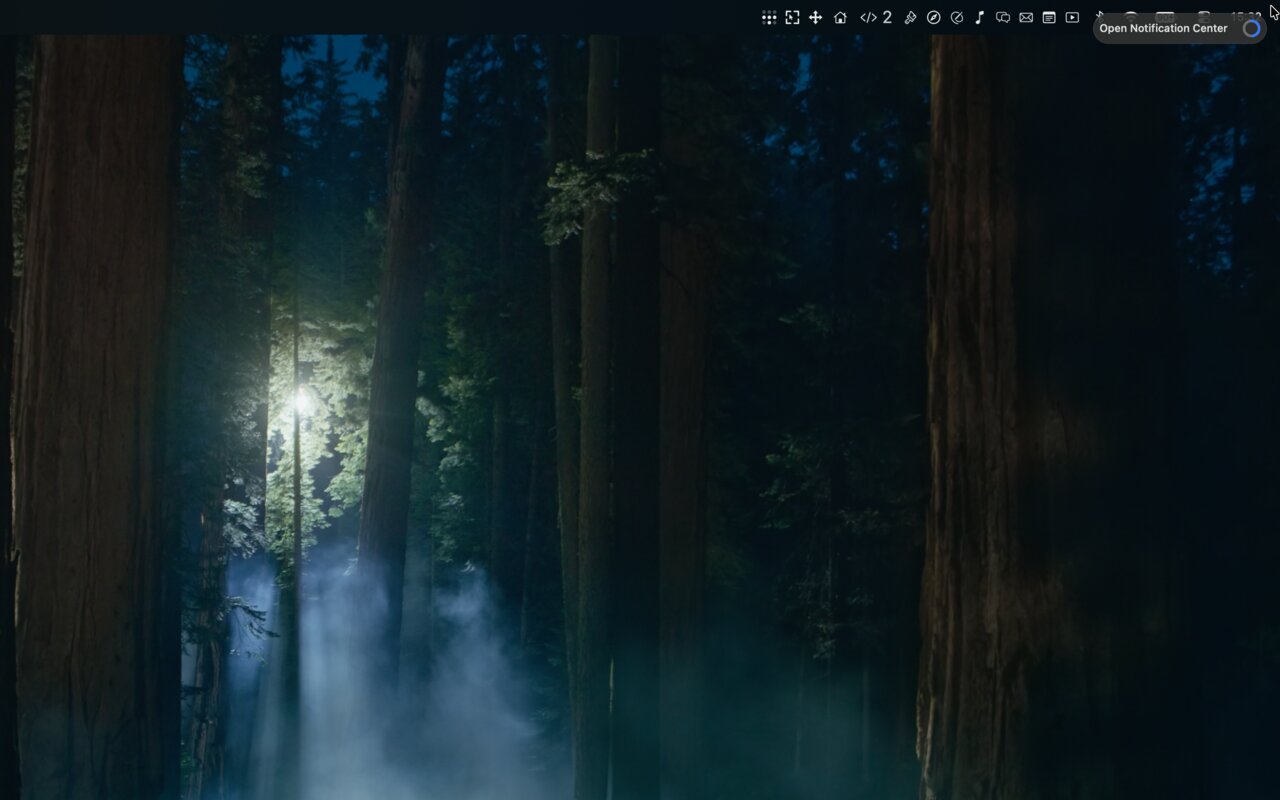
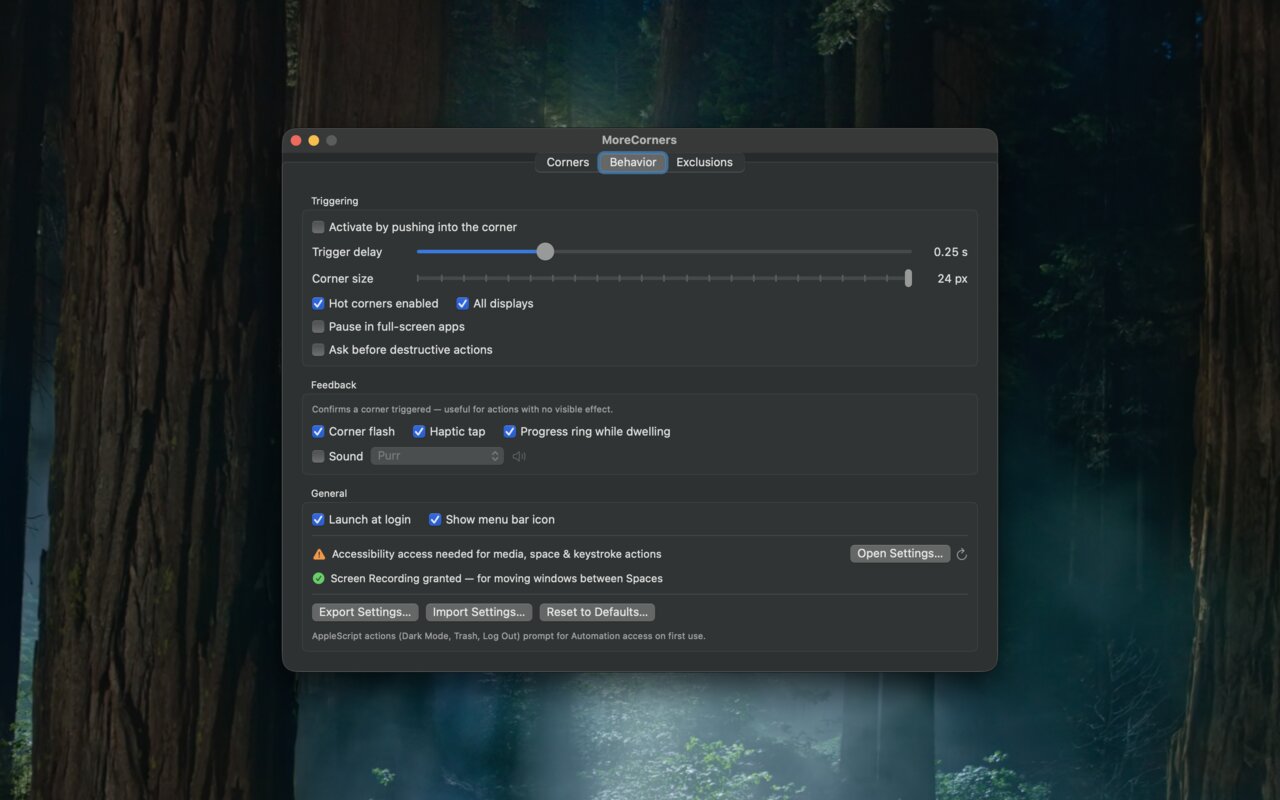
Fire after a configurable dwell with a live preview of the trigger zones, or push into the corner for instant, macOS-style firing.
Only genuinely exposed corners fire, so crossing between monitors is safe. System panels open on the display you triggered.
Pause on demand or on a timer, suppress in full-screen apps, exclude apps by bundle ID. Never fires mid-drag or at the lock screen.
A corner flash, a sound, a haptic tap, and a dwell ring that names the action about to fire.
No event taps, no Input Monitoring. One adaptive poll that idles when the pointer is nowhere near a corner and stops entirely while paused.
Runs entirely on your Mac. No network access, no telemetry.
Corner detection needs no permissions at all. Individual actions ask for the standard one-time grants as you use them: Accessibility for keystrokes and window moves, Automation for the three AppleScript actions, Screen Recording only to move windows between Spaces, and nothing is ever recorded. Settings are one local preferences file.