Names and Icons
Rename any Space and give it an SF Symbol or emoji. Names are keyed to the window server’s stable Space ID, so they survive reboots and reordering.

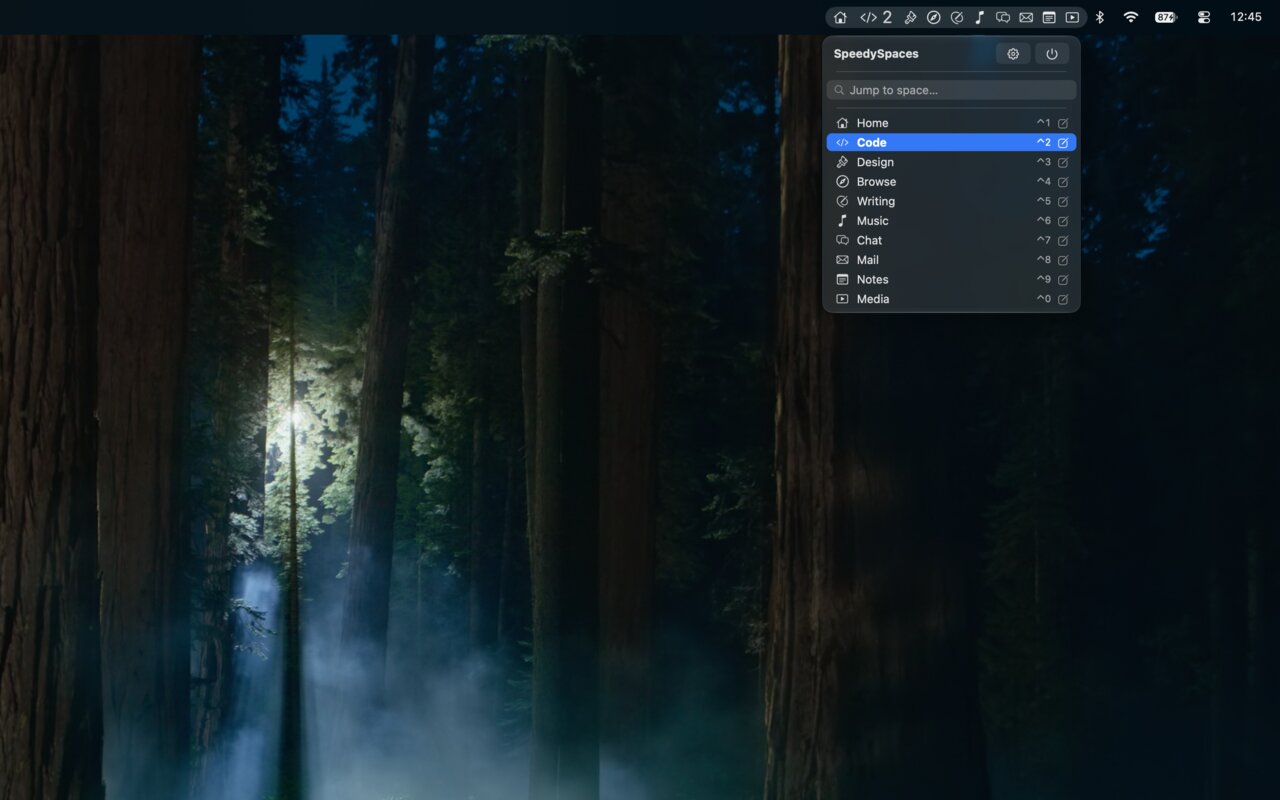
Give your Spaces names, icons and shortcuts: in the menu bar, in Mission Control, and under a hotkey.

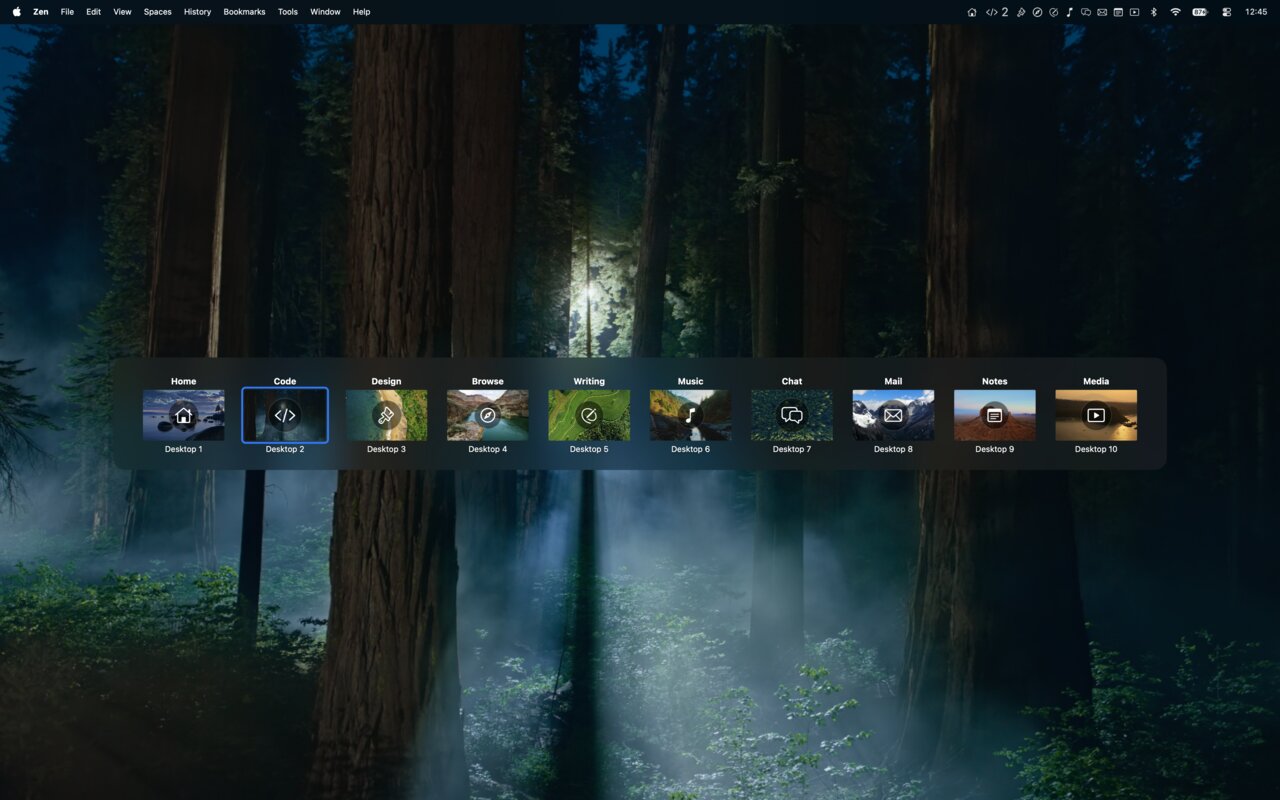
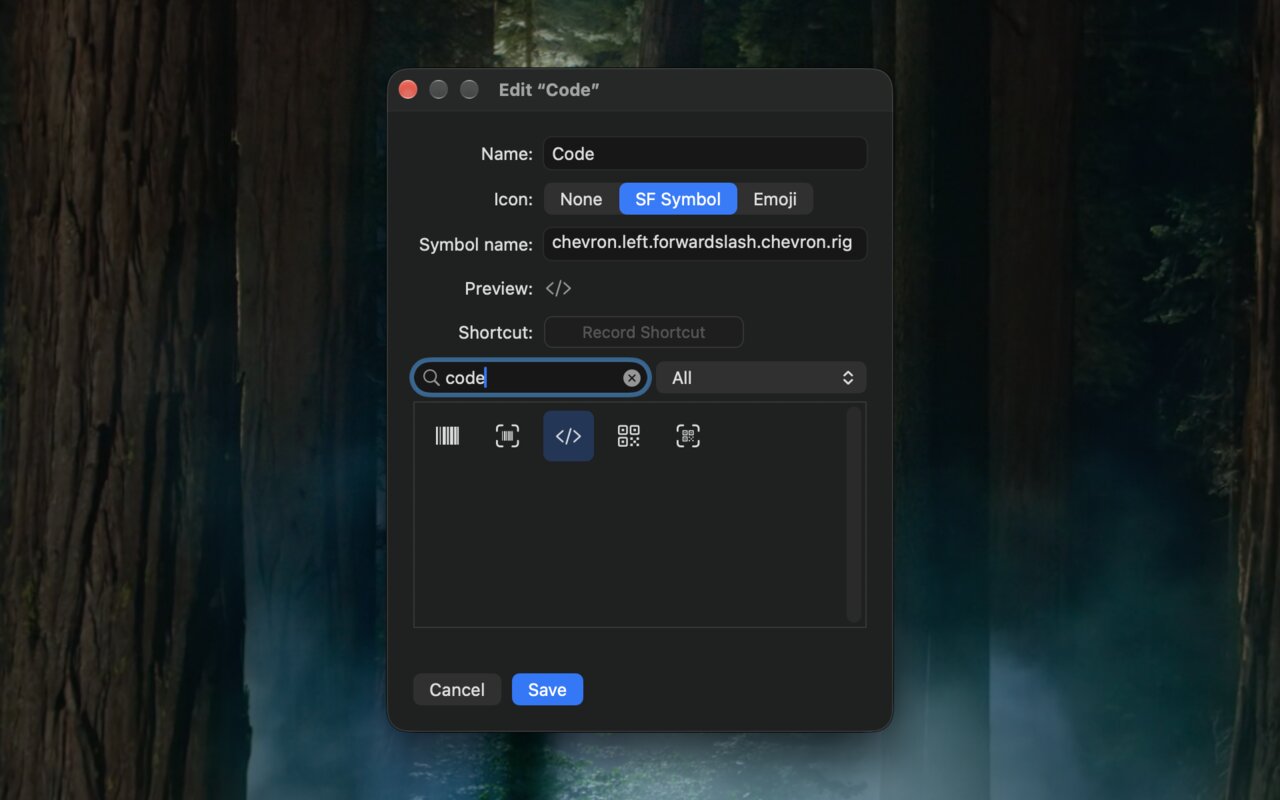
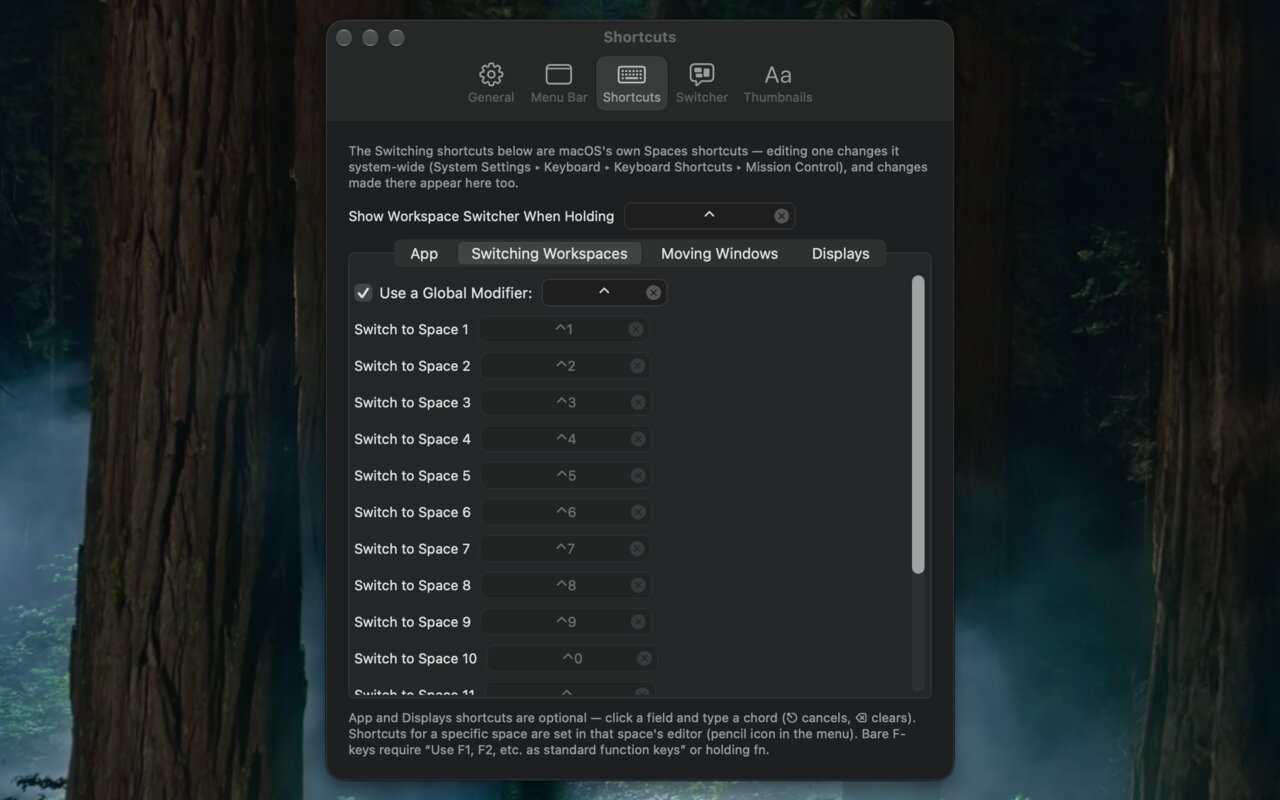
Rename any Space and give it an SF Symbol or emoji. Names are keyed to the window server’s stable Space ID, so they survive reboots and reordering.
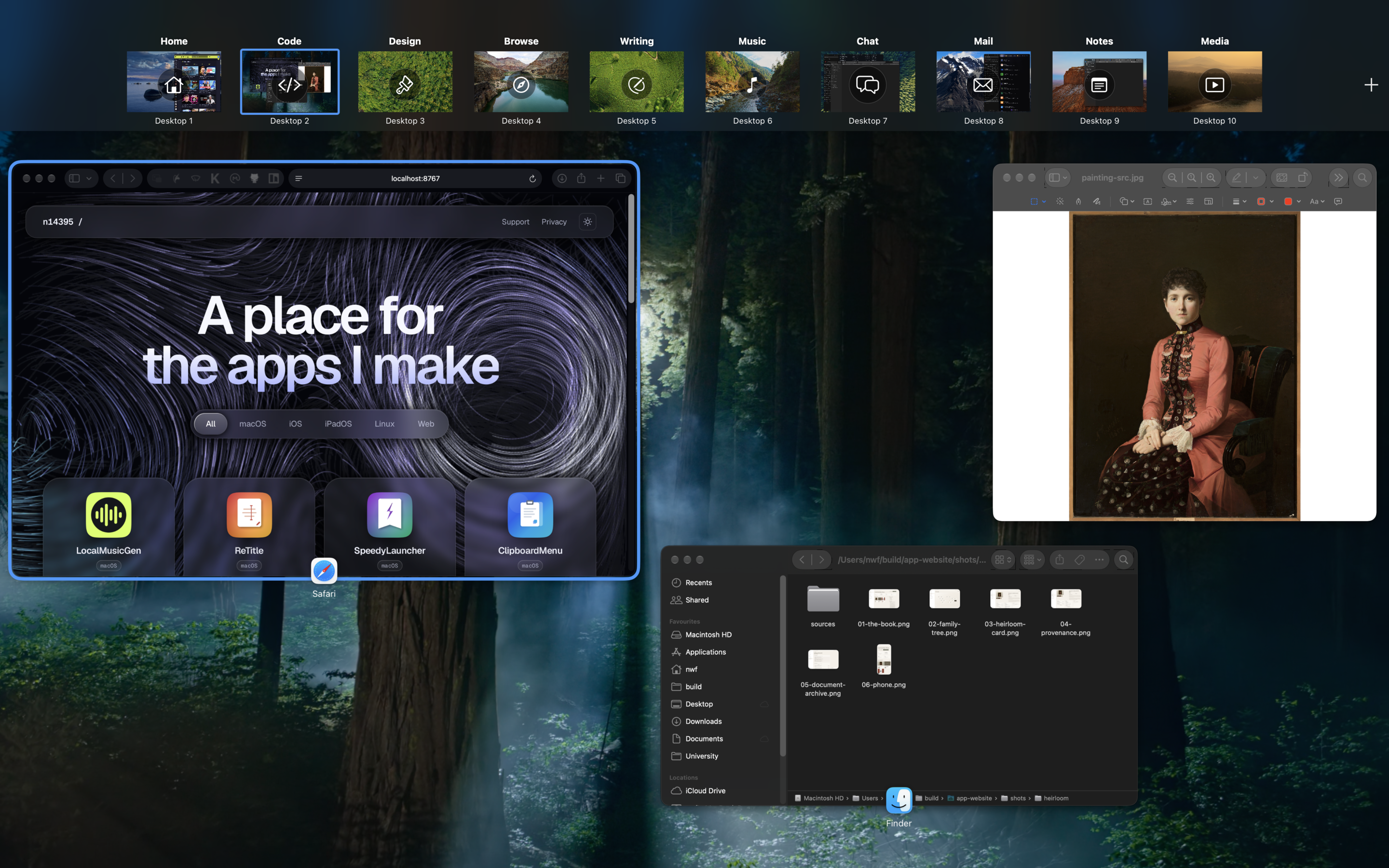
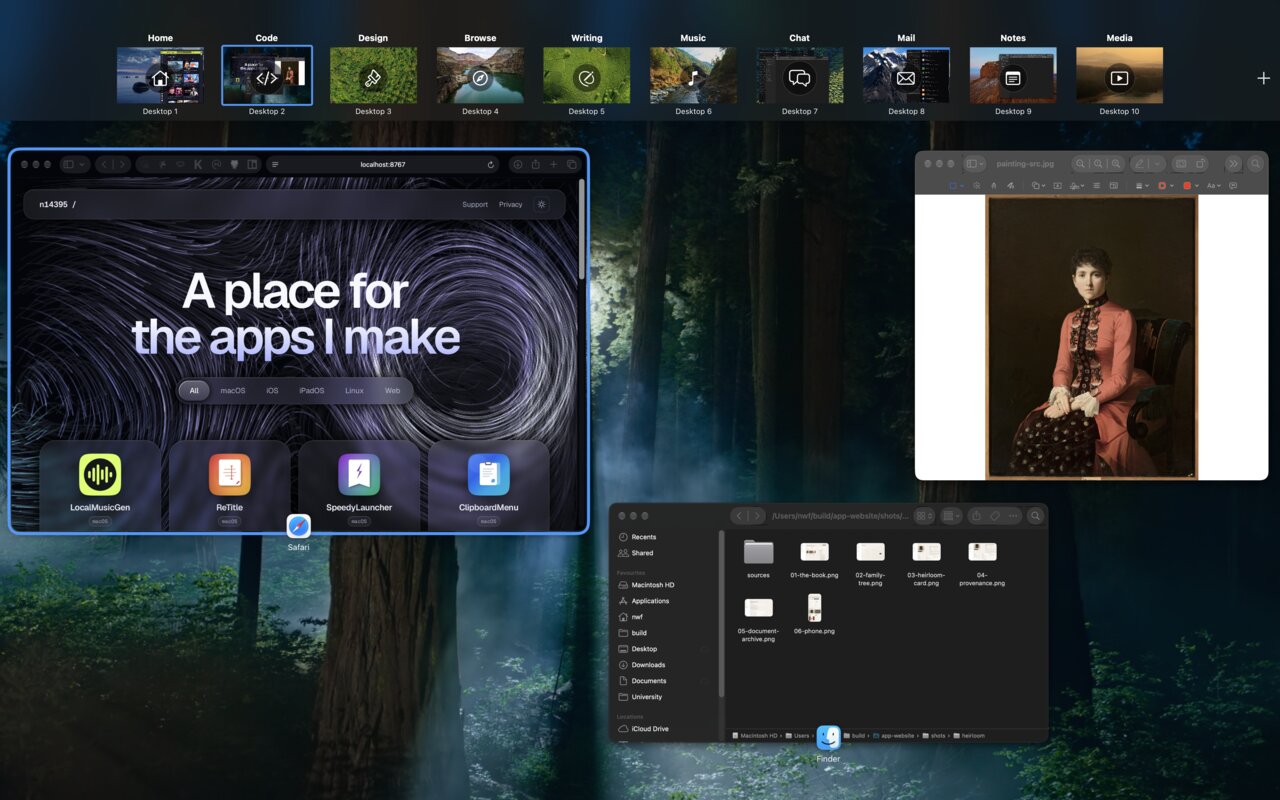
Your names and icons render on Apple’s real Mission Control thumbnails, above the untouched “Desktop N” caption. Click a label to rename that Space on the spot.
Show the current Space’s icon, name or number, or a full strip with one clickable segment per Space. Multi-display aware.
A wallpaper-thumbnail HUD that appears when you change Spaces or while you hold a key, in full-width Mission Control style or as a compact popover.
Drag switcher tiles to reorder Spaces, even across displays, with no Mission Control flash. Drop a window onto a tile to send it there.
Per-Space global hotkeys, a modifier-plus-number scheme kept in sync with System Settings, back-and-forth, and opt-in wrap-around.
Send the focused window to another Space and follow it, via a server-side drag that works on off-screen and toolbar-heavy windows.
Six Shortcuts actions, a speedyspaces:// URL scheme, and a CLI: the app binary doubles as a command-line tool. Names, icons and settings export to JSON.
Zero network access. Names and icons live in one JSON file in your Library folder.
Accessibility is used for switching, hotkey actions and window moves. Screen Recording is requested only the first time you move a window between Spaces, because the window server refuses the hand-off without it; the app never captures screen content. It edits your macOS Spaces shortcuts only when you ask it to.