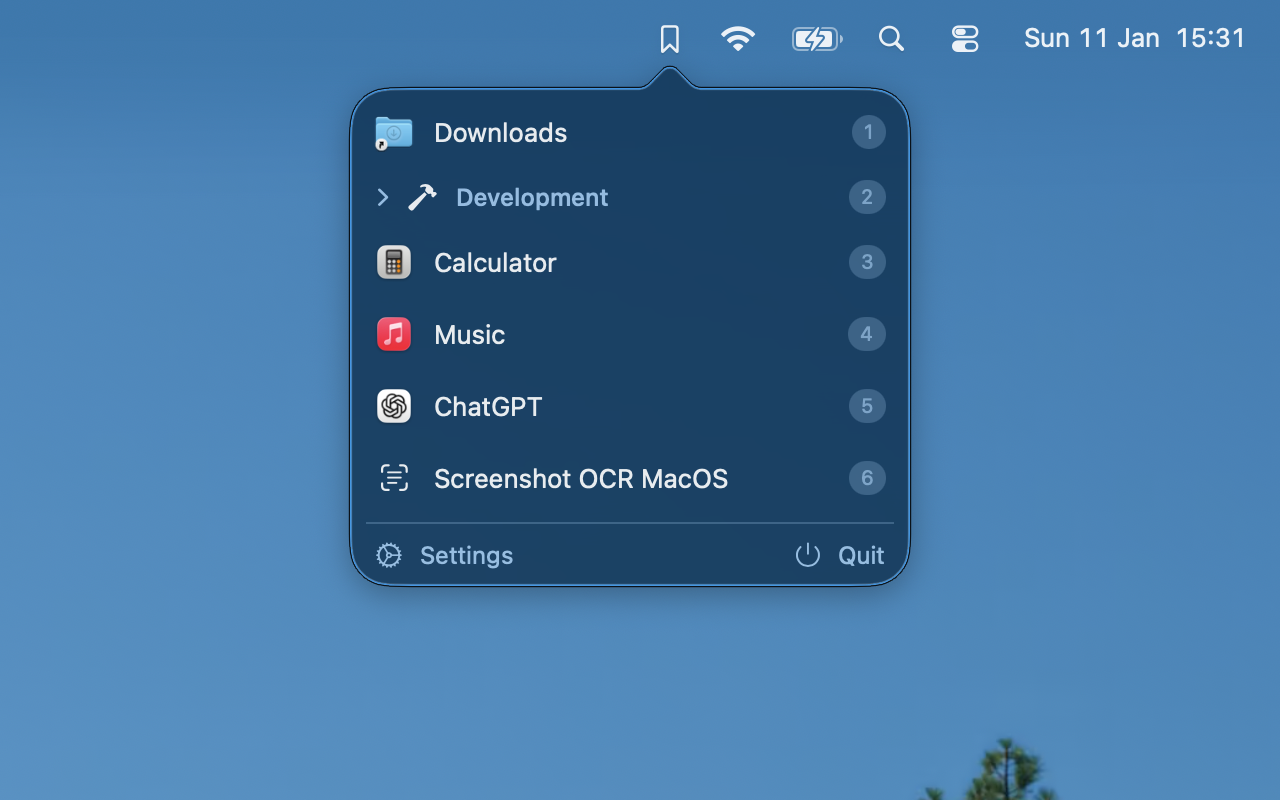
Menu Bar Integration
Lives quietly in your menu bar. Click to reveal all your configured actions in a sleek popover.
A keystroke between you and any app, folder or shortcut.
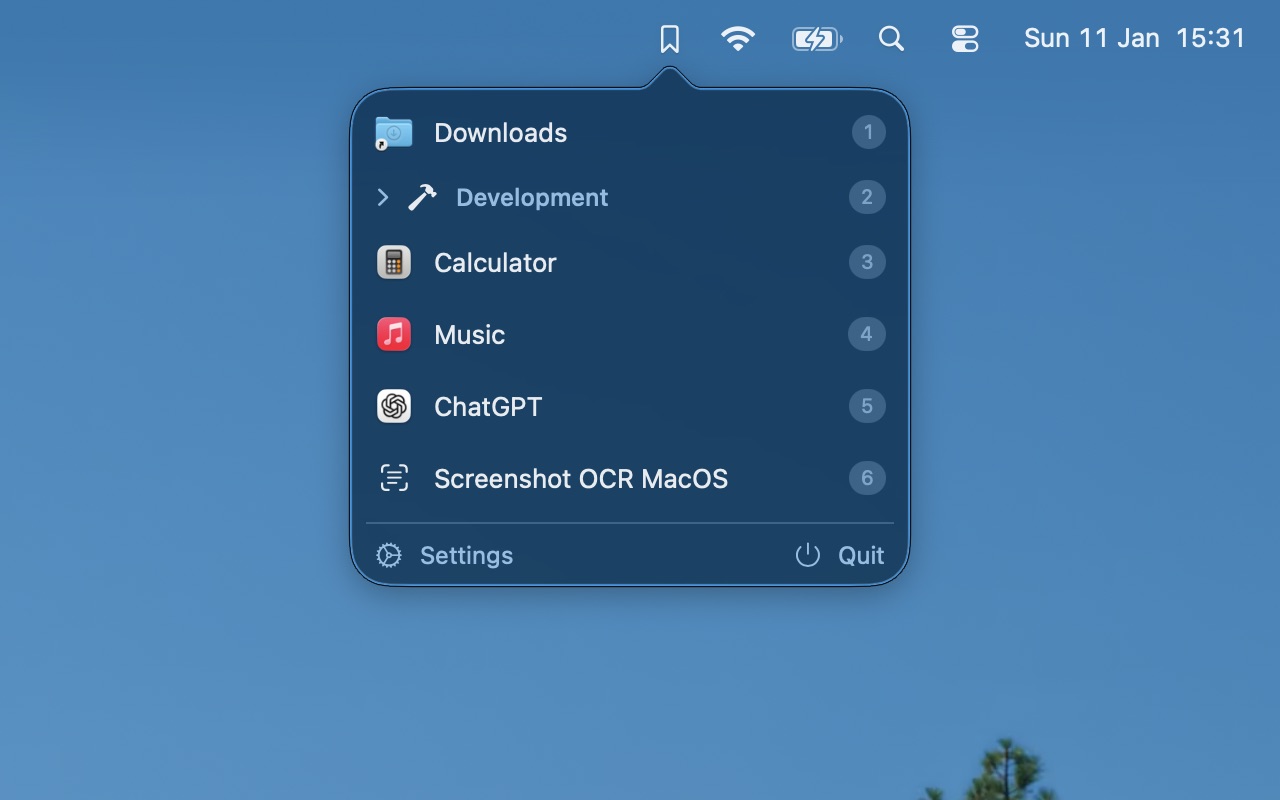
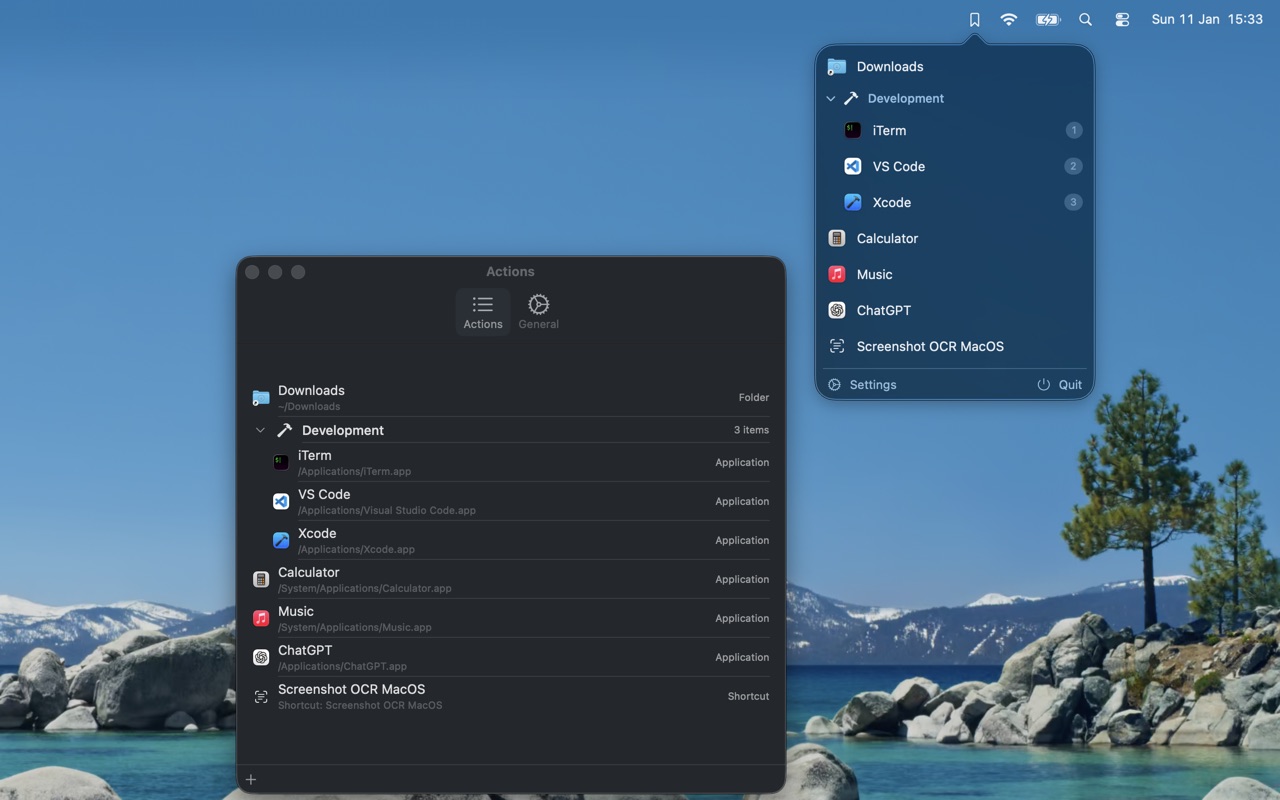
Lives quietly in your menu bar. Click to reveal all your configured actions in a sleek popover.
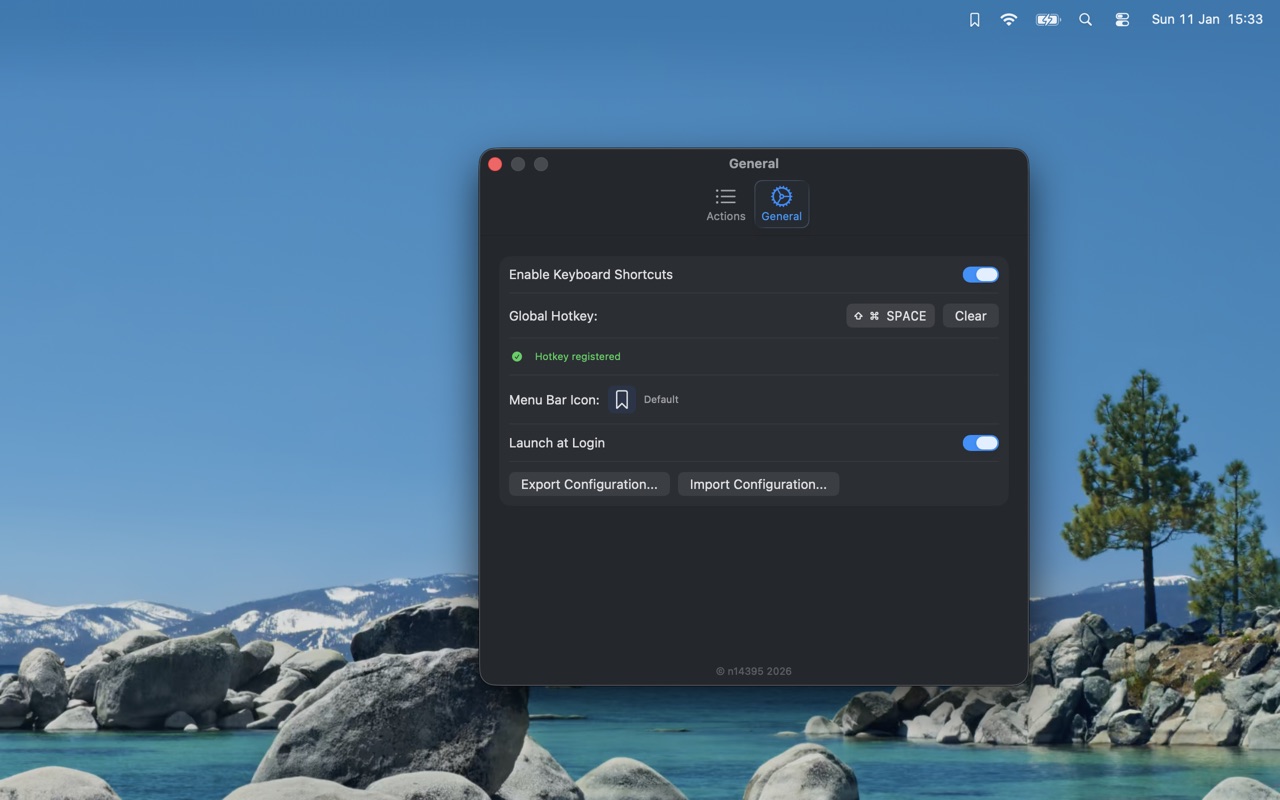
Open SpeedyLauncher from anywhere with a customisable shortcut. Default: ⌘⇧Space.
Press 1–9 (or 0 for the tenth) to launch by position. No mouse required.
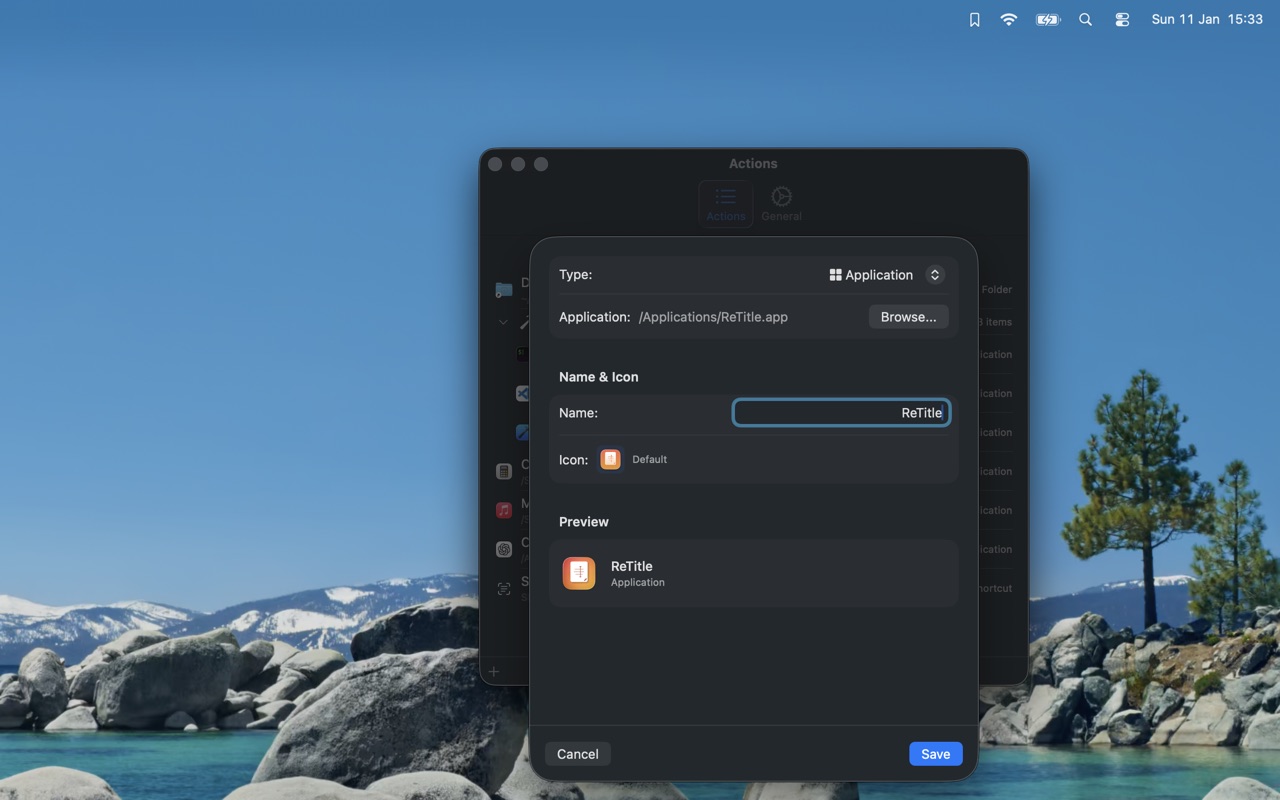
Add any macOS app for instant access. No more digging through Finder.
Jump to Downloads, Projects, or any directory instantly.
Execute Apple Shortcuts directly. Automate workflows with one keystroke.
Organise your items into collapsible groups. Keep related apps and folders together.
Pick from hundreds of SF Symbols to personalise the menu-bar icon and items.
Your launcher items live locally. The app has no network access.
No analytics, no data collection, no telemetry. The app doesn't know who you are.