Auto or Manual
Set any fan to Auto, or pin it to a fixed RPM that’s always clamped to the fan’s own range. Changes apply live as you drag.

Monitor and control the fans in Apple Silicon Macs, with supervision that won’t let it end badly.
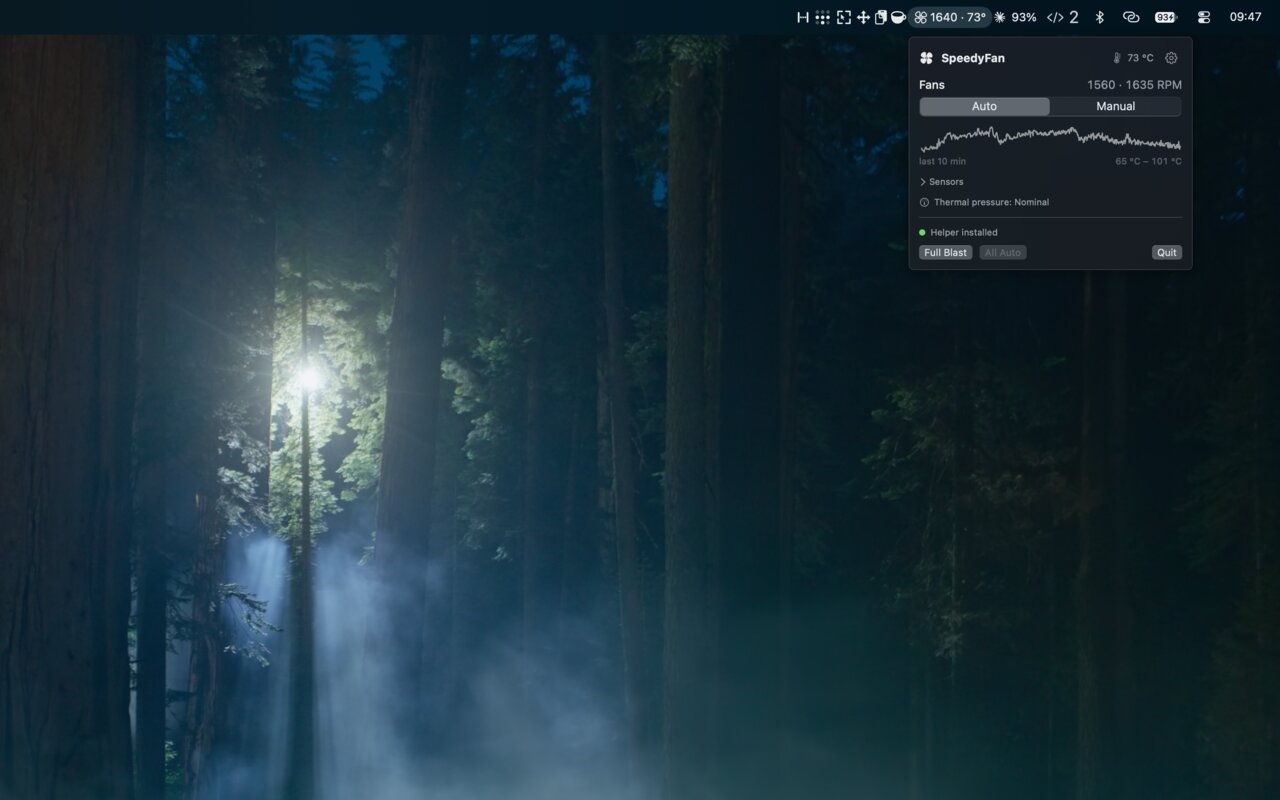
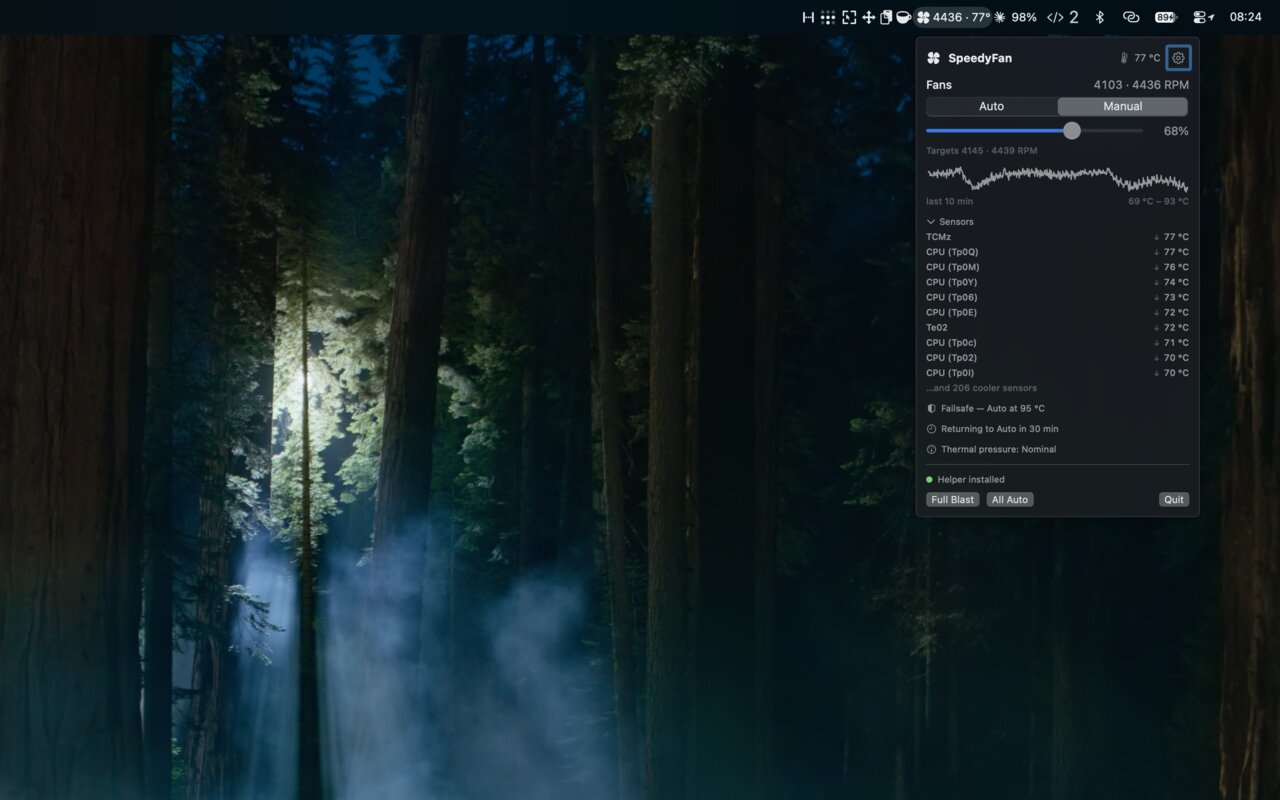
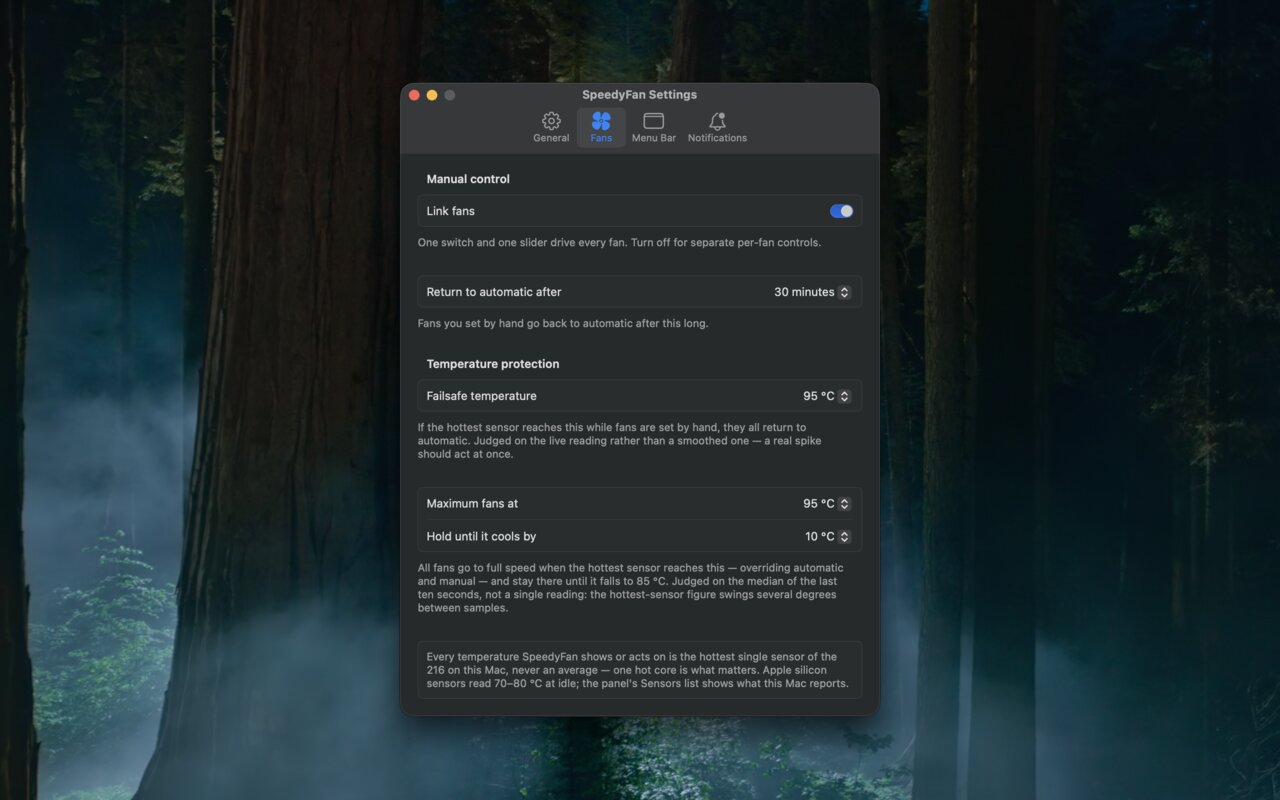
Set any fan to Auto, or pin it to a fixed RPM that’s always clamped to the fan’s own range. Changes apply live as you drag.
Drive every fan from one 0–100 % slider mapped onto each fan’s own range, or turn linking off for per-fan control. Full Blast and All Auto presets.
Show any mix of fan icon, RPM, percentage and hottest temperature. The icon doubles as a status light: outline, filled, or flame.
A hottest-sensor summary, a ten-minute sparkline, and the hottest sensors with rising and falling trend arrows. Celsius or Fahrenheit.
macOS’s own verdict, Nominal to Critical, which bakes in Apple’s per-model knowledge of what counts as hot.
Optionally drive every fan to full when the hottest sensor reaches 85 to 100 °C, holding until it cools by 10 to 25 °C.
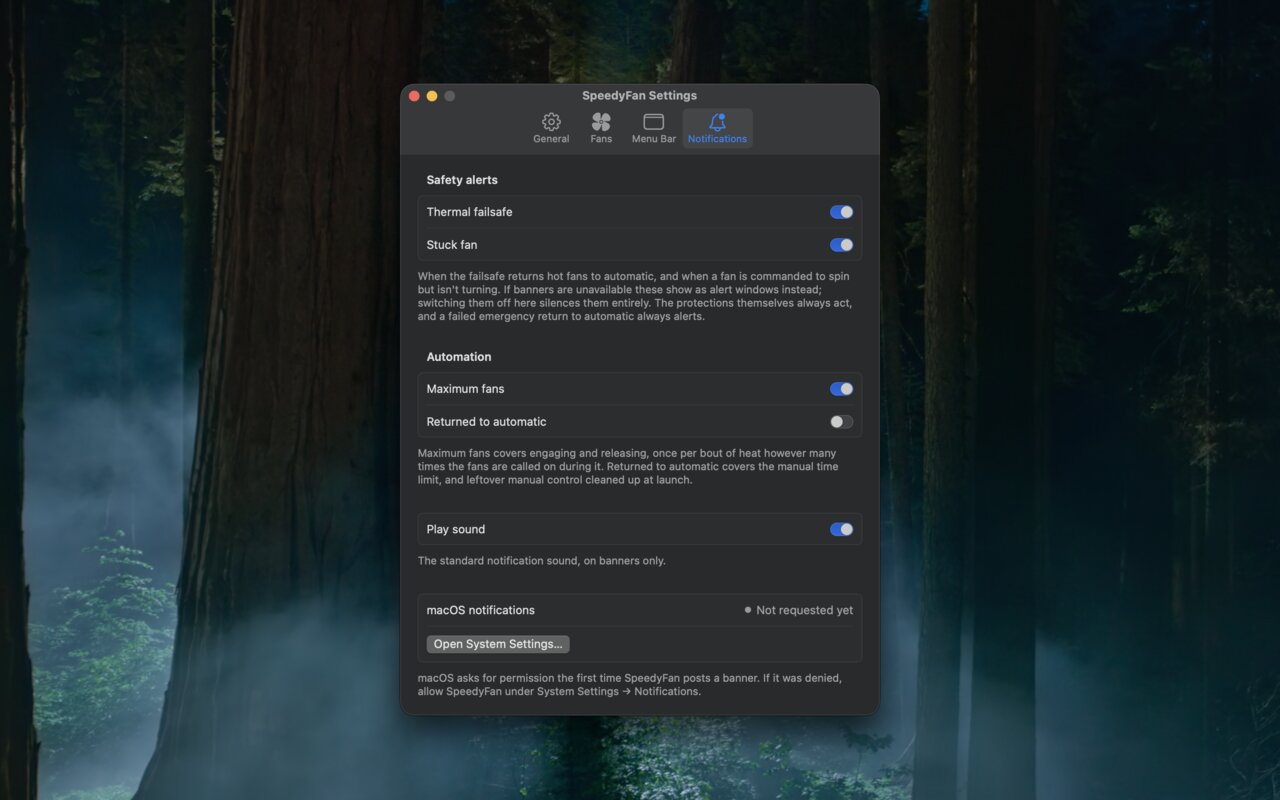
Range clamping, a thermal failsafe, a stuck-fan alert, and fans handed back to the firmware on sleep, quit and relaunch.
With the panel closed and no readings shown, nothing is polled. Launch at login, a hideable icon, and a return-to-Auto timer.
No network access. Nothing stored but your preferences.
Reading the SMC needs no privileges; writing to it needs root, so the first manual fan change installs a small helper with one admin password prompt. It’s inspectable in Settings and removable with a click. Temperature history lives in memory only.